Windows Repair Toolbox vs Tron Script: Which Repair Tool Is Better in 2026?
When a computer running Microsoft Windows becomes slow, infected with malware, or unstable, many technicians rely on powerful repair tools to restore system functionality.
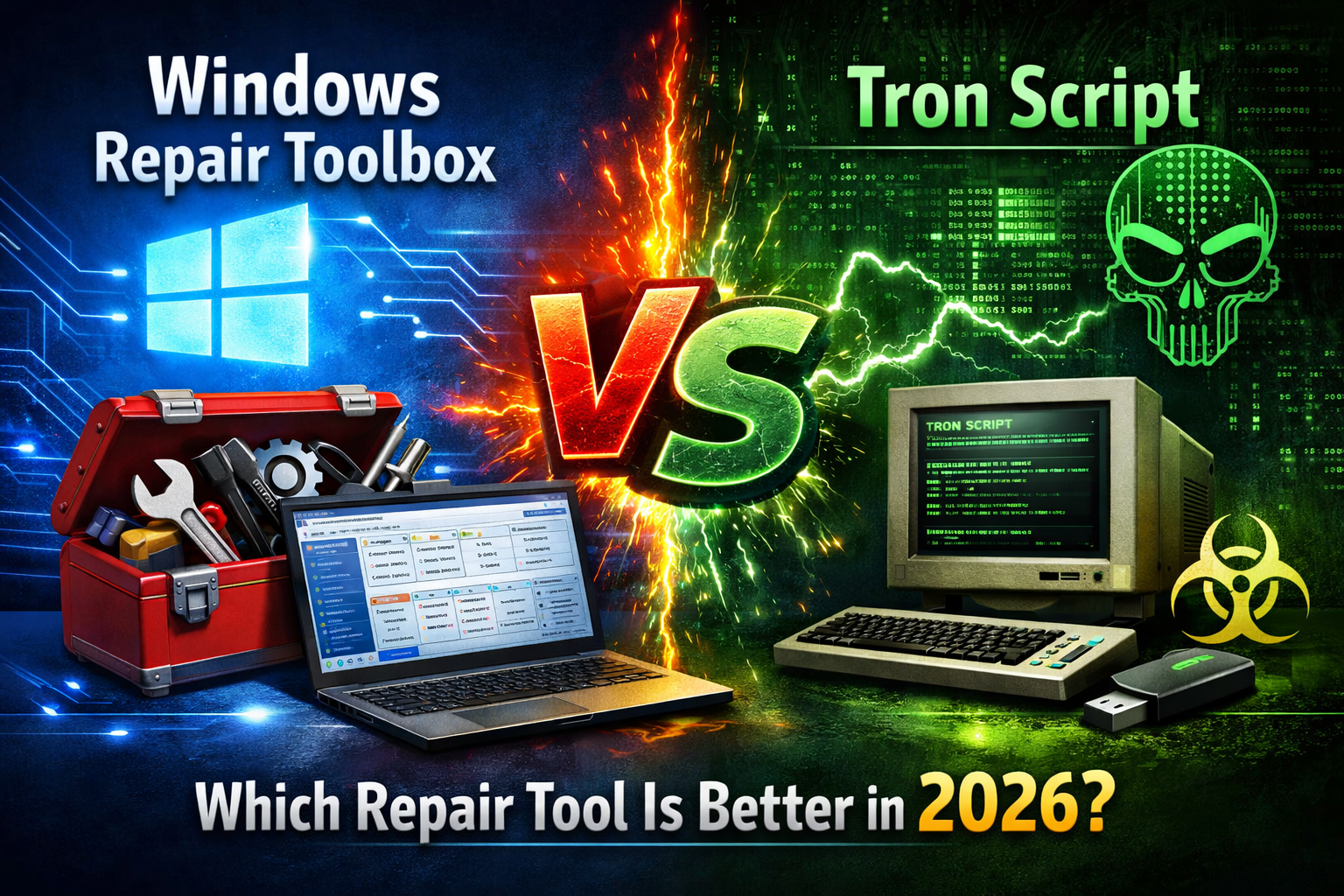
Two of the most popular solutions in the PC repair community are Windows Repair Toolbox and Tron Script. Both tools are designed to diagnose, clean, and repair Windows systems, but they operate in very different ways.
While Windows Repair Toolbox provides a visual interface with multiple integrated utilities, Tron Script is a powerful command-line automation script used by advanced technicians.
This guide compares both tools in detail, analyzing their features, performance, usability, and ideal use cases to help you determine which one is the best solution for your system recovery needs.
What Is Windows Repair Toolbox?
Windows Repair Toolbox is a portable repair platform designed to help technicians diagnose and repair Windows systems efficiently.
Instead of being a single repair tool, it works as a central hub that integrates dozens of specialized utilities used for malware removal, hardware diagnostics, and system optimization.
Key characteristics include:
- portable application (no installation required)
- organized interface with categorized tools
- integration of professional repair utilities
- system information monitoring
Because of its graphical interface, it is accessible to both beginners and experienced technicians.
What Is Tron Script?
Tron Script is an advanced Windows repair automation script designed primarily for experienced users.
Instead of a graphical interface, Tron Script runs through the command line and executes a long sequence of automated repair procedures.
These procedures include:
- malware removal
- disk cleanup
- registry repair
- driver updates
- system optimization
The script performs multiple repair tasks sequentially, often running for several hours depending on system conditions.
Key Differences Between the Two Tools
Although both tools aim to repair Windows systems, their approach is very different.
User Interface
Windows Repair Toolbox offers a visual interface, making it easy to navigate tools and select specific actions.
Tron Script runs entirely through the command line, which may be intimidating for inexperienced users.
Level of Automation
Tron Script focuses heavily on automation and performs many repair tasks automatically once launched.
Windows Repair Toolbox gives users manual control over each diagnostic tool.
Customization
With Windows Repair Toolbox, technicians can choose exactly which tools to run.
Tron Script performs a predefined repair process with limited user interaction.
Malware Removal Capabilities
Malware removal is one of the main reasons technicians use system repair tools.
Windows Repair Toolbox integrates trusted scanners such as:
- Malwarebytes
- AdwCleaner
- HitmanPro
Because multiple specialized scanners are available, technicians can run them independently for deeper analysis.
Tron Script also includes malware removal utilities, but the process runs automatically as part of the repair sequence.
System Repair and Optimization
Both tools provide system repair capabilities.
Windows Repair Toolbox allows users to launch tools such as:
- System File Checker
- disk diagnostics utilities
- registry cleaning tools
Tron Script automatically performs similar repairs but without giving users the option to skip specific steps easily.
For technicians who prefer fine grained control, Windows Repair Toolbox may be more flexible.
Ease of Use
Ease of use is one of the most important factors when selecting a repair tool.
Windows Repair Toolbox
Pros:
- easy graphical interface
- clear tool categories
- simple navigation
Cons:
- requires manually selecting tools
Tron Script
Pros:
- highly automated repair process
- minimal manual intervention
Cons:
- command line interface
- complex configuration for beginners
Performance and Repair Efficiency
Both tools can significantly improve system performance when used correctly.
Tron Script may perform deeper automated repairs because it runs a long sequence of maintenance tasks.
However, Windows Repair Toolbox allows technicians to focus on specific problems quickly, which can reduce troubleshooting time.
In professional repair environments, this flexibility can be extremely valuable.
When Should You Use Windows Repair Toolbox?
Windows Repair Toolbox is ideal for situations where:
- a technician wants control over diagnostic tools
- multiple specialized scanners are needed
- a quick repair is required
- the user prefers a graphical interface
It is particularly useful in repair shops or IT support environments.
When Should You Use Tron Script?
Tron Script may be a better choice when:
- the system is severely infected with malware
- automated deep cleaning is required
- the user is comfortable with command-line tools
- a long unattended repair process is acceptable
Because Tron Script can take several hours to complete, it is often used as an overnight repair solution.
Security Considerations
When using powerful repair utilities, it is important to download them from trusted sources.
Running scripts or tools obtained from unknown websites can introduce additional security risks.
Both Windows Repair Toolbox and Tron Script should always be downloaded from official or reputable sources.
Additionally, creating a system backup before performing major repairs is recommended.
Performance Comparison Table
| Feature | Windows Repair Toolbox | Tron Script |
|---|---|---|
| Interface | Graphical | Command Line |
| Ease of Use | Beginner Friendly | Advanced Users |
| Automation | Manual Control | Highly Automated |
| Malware Removal | Multiple Integrated Scanners | Automated Cleaning |
| Repair Flexibility | High | Moderate |
| Repair Time | Faster | Longer Process |
Frequently Asked Questions
Is Tron Script safe to use?
Yes, when downloaded from trusted sources. However, because it performs deep system changes, users should understand the process before running it.
Can Windows Repair Toolbox remove malware?
Yes. It integrates several powerful malware scanners capable of detecting and removing threats.
Which tool is faster?
Windows Repair Toolbox may be faster for targeted repairs, while Tron Script performs a longer automated cleaning process.
Do these tools work on Windows 11?
Both tools are compatible with modern versions of Microsoft Windows, including Windows 11.
Final Verdict: Which Tool Is Better?
Both Windows Repair Toolbox and Tron Script are powerful solutions for diagnosing and repairing Windows systems.
Windows Repair Toolbox offers greater flexibility, easier navigation, and better control, making it ideal for technicians and users who prefer selecting tools manually.
Tron Script, on the other hand, excels in deep automated system cleaning, especially in cases of severe malware infections.
For most users and IT professionals, Windows Repair Toolbox provides the best balance between usability and functionality. However, Tron Script remains a valuable option for advanced users who need a comprehensive automated repair process.