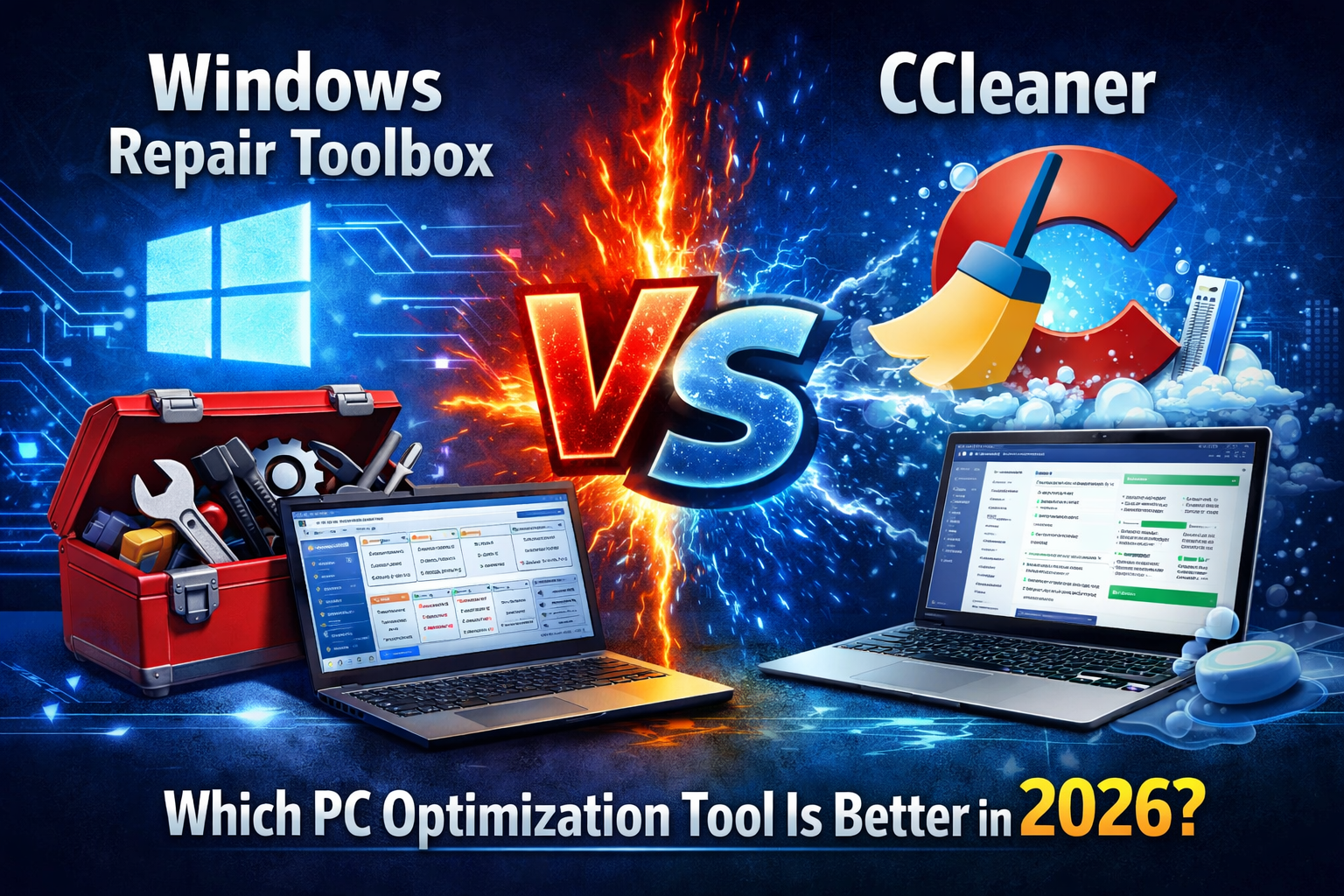
Windows Repair Toolbox vs CCleaner: Which PC Optimization Tool Is Better in 2026?
When a computer running Microsoft Windows becomes slow, unstable, or filled with unnecessary files, many users search for optimization tools that can restore performance quickly.
Two widely discussed solutions are Windows Repair Toolbox and CCleaner. Although both tools aim to improve system performance, they are designed for very different purposes.
While CCleaner focuses primarily on cleaning junk files and registry entries, Windows Repair Toolbox acts as a complete diagnostic and repair platform used by technicians.
In this detailed comparison, we will analyze their features, advantages, limitations, and ideal use cases to determine which tool is better for maintaining and repairing a Windows system.
What Is Windows Repair Toolbox?
Windows Repair Toolbox is a portable repair platform designed for system technicians and advanced users.
Rather than being a single repair program, it works as a central hub that provides access to dozens of specialized utilities for diagnosing and repairing Windows computers.
Key features include:
- access to multiple diagnostic tools
- malware removal utilities
- hardware monitoring
- system repair functions
- performance optimization tools
One of its biggest advantages is portability. The software can run directly from a USB drive without installation, making it ideal for IT technicians who repair multiple computers.
What Is CCleaner?
CCleaner is one of the oldest and most popular PC cleaning tools available.
Originally released in 2003, the software was designed to remove unnecessary files and invalid registry entries from Windows systems.
The main purpose of CCleaner is system cleanup and privacy protection.
Its core features include:
- deleting temporary files
- cleaning browser history and cookies
- removing unused registry entries
- managing startup programs
- uninstalling applications
Because of its simple interface and quick scans, CCleaner is often recommended for beginner users who want to free up disk space quickly.
Core Differences Between Windows Repair Toolbox and CCleaner
Although both tools are used to maintain PCs, their primary goals are completely different.
| Feature | Windows Repair Toolbox | CCleaner |
|---|---|---|
| Main Purpose | System diagnostics & repair | Junk file cleanup |
| Interface | Technician focused | Beginner friendly |
| Malware Tools | Yes | Limited |
| Hardware Diagnostics | Yes | No |
| Portability | Portable | Requires installation |
| Repair Capabilities | Advanced | Basic optimization |
The main distinction is that Windows Repair Toolbox focuses on fixing problems, while CCleaner focuses on cleaning unnecessary files.
System Cleaning Capabilities
Cleaning unnecessary files is where CCleaner excels.
The software can remove data left behind by browsers and applications such as:
- cache files
- temporary files
- browsing history
- cookies
- log files
This cleanup process can free disk space and slightly improve system performance.
However, cleaning junk files alone does not fix deeper operating system issues such as corrupted system files or malware infections.
This is where Windows Repair Toolbox becomes more useful.
Diagnostic and Repair Capabilities
Unlike CCleaner, Windows Repair Toolbox provides access to advanced troubleshooting utilities.
These tools allow technicians to perform tasks such as:
- scanning for malware
- repairing corrupted system files
- analyzing hardware health
- monitoring CPU and RAM usage
Because the platform integrates many third party utilities, it can handle complex system problems that cleaning tools cannot resolve.
Malware Removal Features
Malware infections are a common cause of slow computers and system instability.
Windows Repair Toolbox includes access to multiple specialized malware scanners, allowing technicians to detect and remove threats effectively.
By contrast, CCleaner is not primarily designed as a malware removal tool.
Its focus remains on removing temporary files and improving system cleanliness rather than detecting infections.
Ease of Use
Ease of use is one of the main reasons CCleaner became popular.
CCleaner
Advantages:
- extremely simple interface
- one-click cleaning
- quick scans
- beginner-friendly
However, it provides limited diagnostic capabilities.
Windows Repair Toolbox
Advantages:
- advanced troubleshooting tools
- deep system diagnostics
- hardware monitoring
Disadvantages:
- more complex interface
- requires technical knowledge
Because of this difference, Windows Repair Toolbox is typically used by IT professionals and repair technicians.
Performance Impact
Both tools have minimal impact on system resources.
CCleaner scans typically complete within seconds and use very little RAM.
Windows Repair Toolbox may take longer because it launches multiple diagnostic tools depending on the repair process.
However, this deeper analysis can identify problems that basic cleaners cannot detect.
Security and Privacy Considerations
Over the years, CCleaner has experienced some controversy due to security incidents and aggressive upgrade prompts in certain versions.
Although the software remains widely used, some users prefer alternative tools or built-in Windows utilities.
Windows Repair Toolbox does not include its own cleaning engine; instead, it provides access to trusted third-party utilities, which can reduce reliance on a single tool.
When Should You Use Windows Repair Toolbox?
Windows Repair Toolbox is ideal if:
- your PC has serious system errors
- Windows is crashing or unstable
- malware infections are suspected
- hardware diagnostics are required
- you need professional troubleshooting tools
It is commonly used in IT support environments and repair shops.
When Should You Use CCleaner?
CCleaner is better suited for:
- quickly removing temporary files
- freeing disk space
- cleaning browser data
- managing startup applications
For everyday users who simply want a quick cleanup tool, CCleaner may be sufficient.
Final Verdict: Which Tool Is Better?
Both Windows Repair Toolbox and CCleaner serve useful purposes, but they are designed for different types of users.
CCleaner is a lightweight cleaning tool ideal for beginners who want to remove junk files and improve system organization.
Windows Repair Toolbox, on the other hand, is a powerful diagnostic platform capable of performing deep system analysis and repairs.
If your goal is simple maintenance, CCleaner may be enough.
However, if you need professional level system troubleshooting and repair, Windows Repair Toolbox is the more powerful solution.