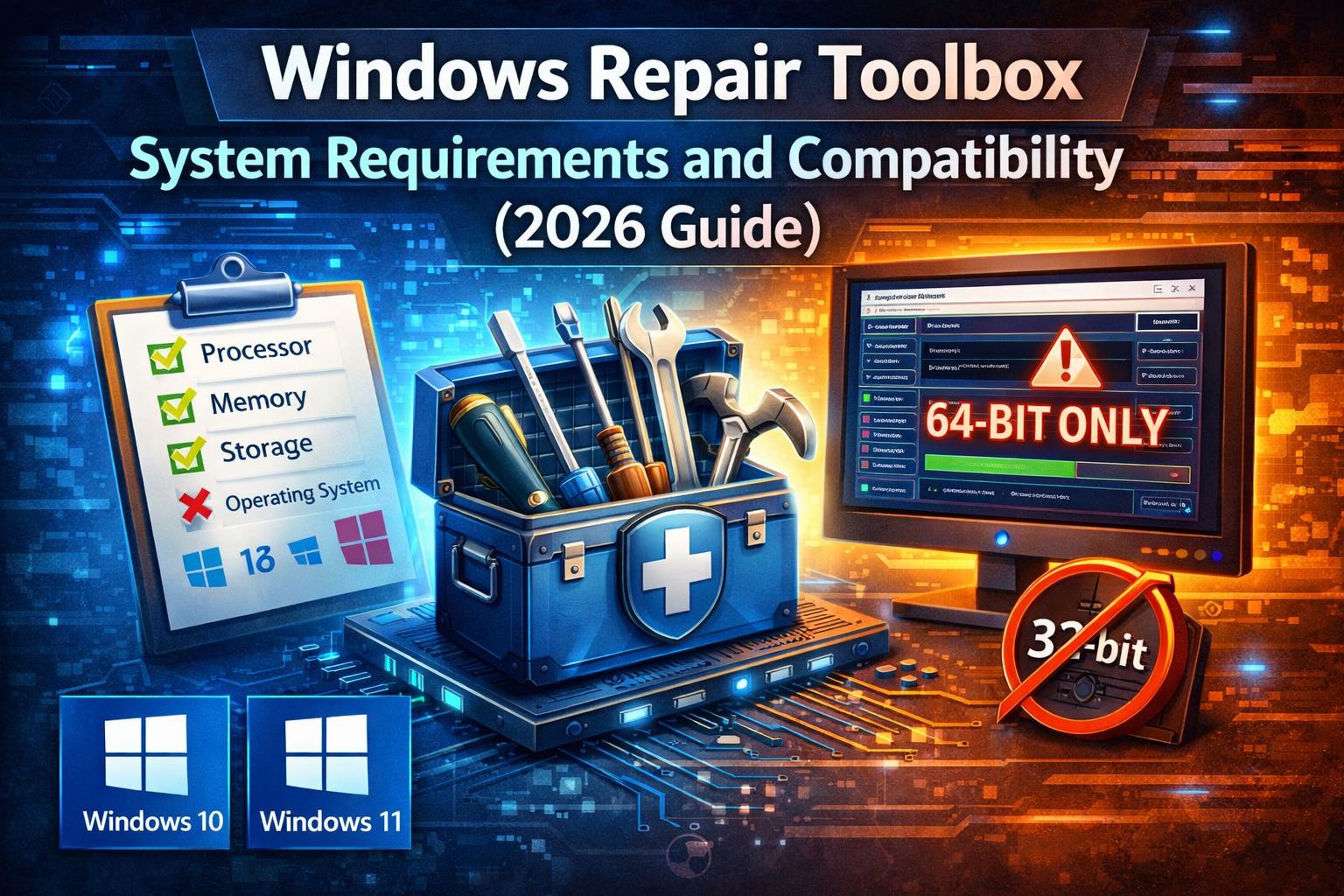
Windows Repair Toolbox System Requirements and Compatibility (2026 Guide)
When your PC starts acting up whether it’s a persistent Blue Screen of Death (BSOD), a malware infection, or sluggish performance having the right tools is only half the battle. You also need to know if your system can handle them.
Windows Repair Toolbox (WRT) is a legendary “Swiss Army knife” for IT professionals, but as Windows 11 evolves into versions like 24H2 and 25H2, understanding its system requirements and compatibility is critical to avoid further system instability. In this comprehensive guide, we break down everything you need to know to run WRT safely and effectively in 2026.
Core System Requirements: The Essentials
Windows Repair Toolbox is remarkably lightweight. The base executable is only about 3.5 MB, but because it acts as a “downloader” for dozens of other professional tools, its actual footprint can grow quickly.
Minimum Hardware Requirements
- Processor: 1 GHz or faster (x86 or x64 architecture).
- RAM: 512 MB minimum (2 GB recommended for running intensive scans).
- Disk Space: At least 2 MB for the app, but minimum 10 GB free is recommended to store the downloaded third-party tools (like Snappy Driver Installer or Malwarebytes).
- Display: 1024 x 768 resolution or higher.
The “Silent” Requirement: .NET Framework
WRT is built on the .NET architecture. To run it without errors, your system must have:
- .NET Framework 4.8 or 4.8.1 (Pre installed on modern Windows 10 and 11).
- If you are repairing an older Windows 7 machine, you may need to install the .NET Framework 4.8 redistributable first.
Operating System Compatibility (2026 Update)
Compatibility is where WRT shines. It is designed to be backwards compatible while staying relevant for the newest Microsoft releases.
Windows 11 (Versions 23H2, 24H2, and 25H2)
WRT is fully compatible with the latest builds of Windows 11. However, since Windows 11 has stricter security protocols (TPM 2.0 and Secure Boot), you must run WRT with Administrative Privileges to allow it to access hardware sensors and system logs.
Windows 10 (All Editions)
Whether you are on Home, Pro, or Enterprise LTSC, WRT remains the gold standard for Windows 10 maintenance. It supports both 32-bit and 64-bit architectures.
Legacy Support: Windows 7 and 8.1
While Microsoft has ended support for these OS versions, WRT still functions on them. This makes it an essential tool for technicians tasked with reviving older hardware or performing data migrations.
Note: On Windows 7, ensure you have Service Pack 1 (SP1) installed, or many of the third-party tools within the toolbox will fail to launch.
Compatibility with Windows Server
Can you use Windows Repair Toolbox on a server environment? Yes, but with caution.
- Supported: Windows Server 2012, 2016, 2019, 2022, and Server 2025.
- Pro Tip: In server environments, WRT is best used for hardware diagnostics and log checking. Avoid using the “Unattended Fix” feature on live production servers, as unexpected restarts can cause downtime.
Software Dependencies and Connectivity
Unlike a traditional “all-in-one” installer, WRT downloads the best version of each tool on the fly based on your specific OS.
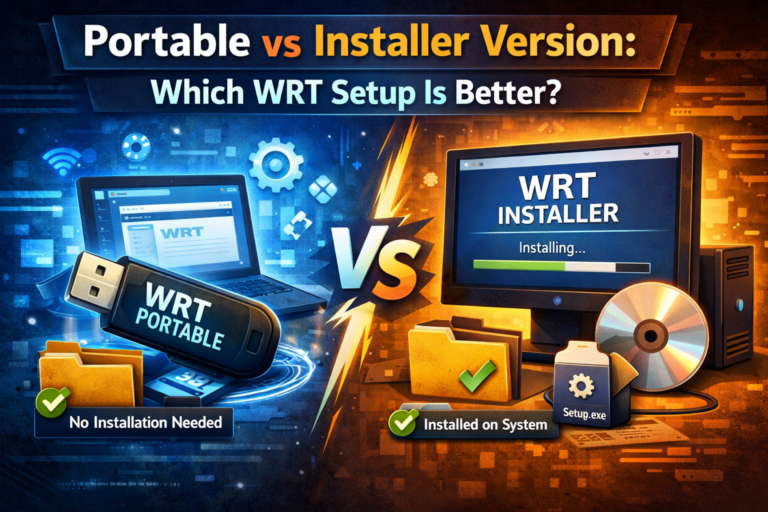
- Internet Connection: Required for the initial download of tools. If you are working in an offline “air-gapped” environment, you should use the Portable Version and pre-download the tools on a connected machine first.
- Antivirus Exclusions: Because WRT includes powerful system level tools (like NirSoft utilities), some aggressive antivirus programs or Windows Defender might flag it as a “Potentially Unwanted Program” (PUP). This is a false positive. You may need to add an exclusion for the WRT folder.
Portability and USB Compatibility
One of WRT’s greatest strengths is its ability to run from a USB drive.
- USB 3.0/3.1 Support: Highly recommended. Running heavy diagnostics like “Stress Tests” or “Disk Defrag” from a slow USB 2.0 drive can cause the interface to hang.
- File System: Your USB should be formatted as NTFS or exFAT to handle larger log files and tool updates that exceed the 4GB limit of FAT32.
The Verdict: Is Your PC Ready for WRT?
If your computer can run Windows 10 or 11, it can run Windows Repair Toolbox. The requirements are minimal, but the utility is maximum.
Quick Compatibility Checklist:
- [ ] Do I have 10GB of free space for the tools?
- [ ] Is .NET Framework 4.8 installed?
- [ ] Am I logged in as an Administrator?
- [ ] Do I have an active internet connection (for the first run)?
Frequently Asked Questions (FAQ)
Q: Does Windows Repair Toolbox work on ARM-based PCs (like Surface Pro X)? A: WRT is designed for x86/x64. While it may run via emulation on ARM, some low level hardware drivers and diagnostic tools within the box may not function correctly.
Q: Can WRT fix a computer that won’t boot? A: WRT itself runs inside Windows. To fix a non-booting PC, you must run WRT from a WinPE (Windows Preinstallation Environment) bootable USB.
Q: Is it compatible with Linux or macOS? A: No. WRT is a Windows exclusive utility.