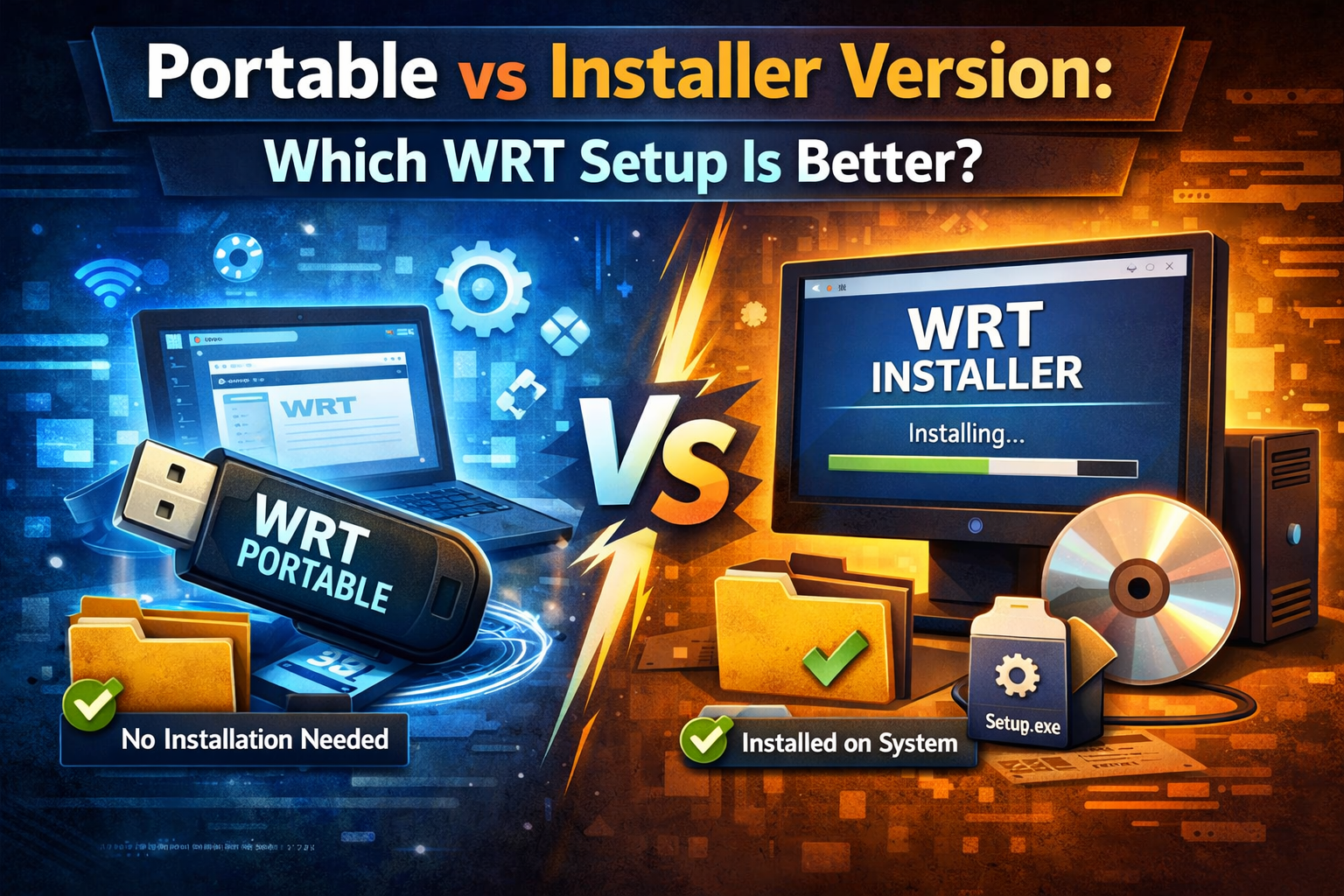
Portable vs Installer Version: Which WRT Setup Is Better?
In the world of system administration and PC optimization, Windows Repair Toolbox (WRT) has become an indispensable Swiss Army knife. However, a common dilemma arises before the first click: Should you use the Portable version or the standard Installer?
Choosing the right setup isn’t just about convenience; it’s about performance, security, and how you manage your digital toolkit. In this 2026 definitive guide, we’ll break down every technical nuance to help you decide which WRT version deserves a place on your drive.
1. What is Windows Repair Toolbox (WRT)?
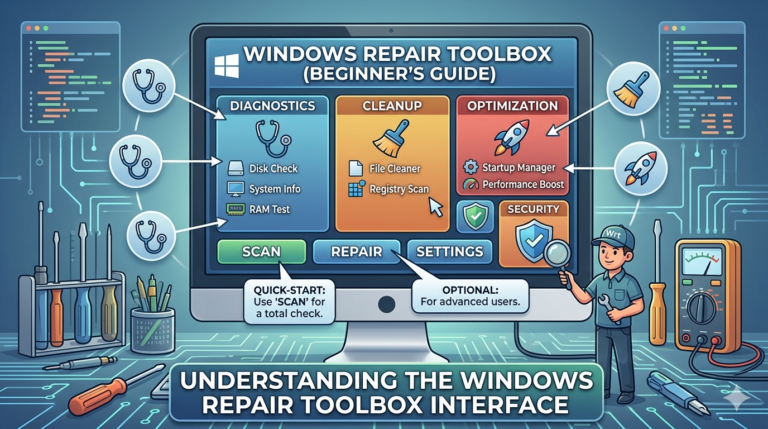
Before diving into the “Portable vs. Installer” debate, it’s crucial to understand what WRT does. It is a powerhouse utility that integrates the best third party repair tools into a single interface. From malware removal to hardware monitoring, WRT automates the heavy lifting of PC maintenance.
Key Features of WRT:
- One click access to tools like HWMonitor, AdwCleaner, and Ninite.
- Real time monitoring of CPU temperature and RAM usage.
- Automated repair sequences for unattended fixes.
- Malware removal specialized tab.
The Portable version of WRT is designed to run without modifying the host computer’s system files or registry. It is the gold standard for IT professionals and “on the go” technicians.
Advantages of the Portable Version
- Zero Footprint: It doesn’t leave traces in the Windows Registry. When you delete the folder, the app is gone.
- Mobility: You can carry your entire repair suite on a USB 3.0 or external SSD.
- Bypassing Restrictions: In some environments where software installation is blocked by Group Policy, portable apps can often still execute.
- Consistency: Your settings and downloaded tools stay within the portable folder, regardless of which PC you plug it into.
Technical Limitations
- File Permissions: Occasionally, portable apps may trigger false positives in aggressive EDR (Endpoint Detection and Response) systems.
- Update Manuality: While WRT has internal update checks, managing the core executable’s location is entirely up to the user.
The Installer Version: Stability and System Integration
The Installer version (often an .exe or .msi file) follows the traditional Windows software deployment path. It integrates deeply with the OS.
Advantages of the Installer Version
- Start Menu & Shortcut Integration: Easier access for daily users through the Windows Search bar.
- Automatic File Associations: Better handling of logs and specific repair script formats.
- Multi User Support: If a PC has multiple local accounts, the installer version can be made available to all users (depending on permissions).
- Optimized Performance: Installed apps often benefit from pre fetching and better caching handled by the Windows OS.
The Downside
- Registry Bloat: Every installation adds entries to the Windows Registry. Over time, hundreds of installed apps can marginally slow down system lookups.
- Uninstallation Residue: Even with a clean uninstall, “leftover” folders in
AppDataorProgramDataare common.
Performance Benchmarking: Speed and Resource Usage
When comparing the two, we must look at how they handle Windows resources.
| Feature | Portable Version | Installer Version |
| Startup Speed | Dependent on Drive Speed (USB vs SSD) | Faster (Native SSD indexing) |
| Registry Impact | None | Low to Moderate |
| Storage Usage | Self-contained | Spread across System Folders |
| Ease of Removal | Instant (Delete Folder) | Requires Uninstaller |
Why “Portable” Usually Wins for Repair Tools
For a tool like WRT, the Portable version typically wins. Why? Because if you are repairing a system, the last thing you want to do is “install” more software onto a potentially corrupted OS.
Security Considerations in 2026
Security is paramount when using system level tools.
- Integrity: Portable versions are easier to verify using SHA-256 checksums. You know exactly what is in that folder.
- Isolation: If a system is infected with ransomware, running WRT from a write protected USB (Portable) is significantly safer than installing it onto the infected C: drive.
Use Cases: Which One Should You Choose?
Choose the Portable Version if:
- You are an IT Consultant or technician fixing multiple PCs daily.
- You want to keep your main OS “clean” and minimize registry entries.
- You are running WRT from a “Rescue USB” or a cloud synced folder like Dropbox or OneDrive.
Choose the Installer Version if:
- You use WRT on one single machine for personal maintenance.
- You prefer having the app indexed in your Windows Start Menu for quick access.
- You are not comfortable managing file folders and prefer the “Next Next Finish” approach.
How to Optimize Your WRT Setup (Pro Tips)
Regardless of the version you choose, follow these proven optimization steps for your system:
- Always Run as Administrator: WRT requires high level permissions to access hardware sensors and system logs.
- Keep the ‘Tools’ Folder Updated: WRT downloads third party apps on demand. Ensure your ‘Tools’ sub folder is on a fast drive.
- Scheduled Maintenance: Use the “Auto” tab in WRT to schedule weekly cleanups.
The Verdict
For the majority of users, the Portable Version of Windows Repair Toolbox is the superior choice. It offers the flexibility, cleanliness, and mobility required for modern system troubleshooting without the overhead of a traditional installation.
However, if you are a casual user who wants a one time setup for a single home PC, the Installer version provides a familiar and stable experience.
Final Recommendation: Get the Portable version, put it in a dedicated “System Tools” folder on your secondary drive, and you’ll have a professional grade repair station ready at all times.
FAQ
Can I switch from the Installer to the Portable version?
Yes. Simply uninstall the current version, download the Portable zip, and move your ‘Tools’ folder to the new directory to avoid re-downloading them.
Does the Portable version have fewer features?
No. Both versions offer the exact same suite of tools and automation capabilities.
Is WRT safe for Windows 11?
Absolutely. WRT is fully compatible with Windows 10 and 11, including the latest 2026 security patches.